
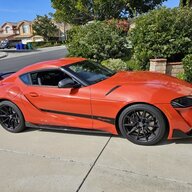
concept
Well-Known Member
- First Name
- Dave
- Joined
- Sep 1, 2023
- Threads
- 28
- Messages
- 1,142
- Reaction score
- 807
- Location
- Southern CA
- Car(s)
- 2024 Supra 45th, Mikan 2008 Mazda MX5 PRHT manual
- Thread starter
- #1
I've been thinking about getting a small, yet high-resolution dashcam for a couple of years now. Finally, I did some research and bought the one in the title. I'll explain my thoughts about my simplistic setup, then attach a youtube video I made that includes unboxing and street-driving videos during day and night (in each of my two cars).
Pre-install:
Everything you need is included for the camera, except for a micro SD card and SD adapter. Both come together in capacities of up to 512 GB (1 terabyte is forthcoming) My 256 GB kit was about $80. The camera itself is $150.
Because my Supra has its USB port filled with a music playlist USB, I chose to use the 12V receptacle, but because I am using that with my radar detector, I bought a 2 into 1 adapter with separate on-off buttons and a digital readout of battery voltage. You'll see that in the video. The kit also includes a screw-0n CPL light filter. Some instruction for setting it up to minimize glare is in the video. The Owner's manual is very thorough.
Mounting:
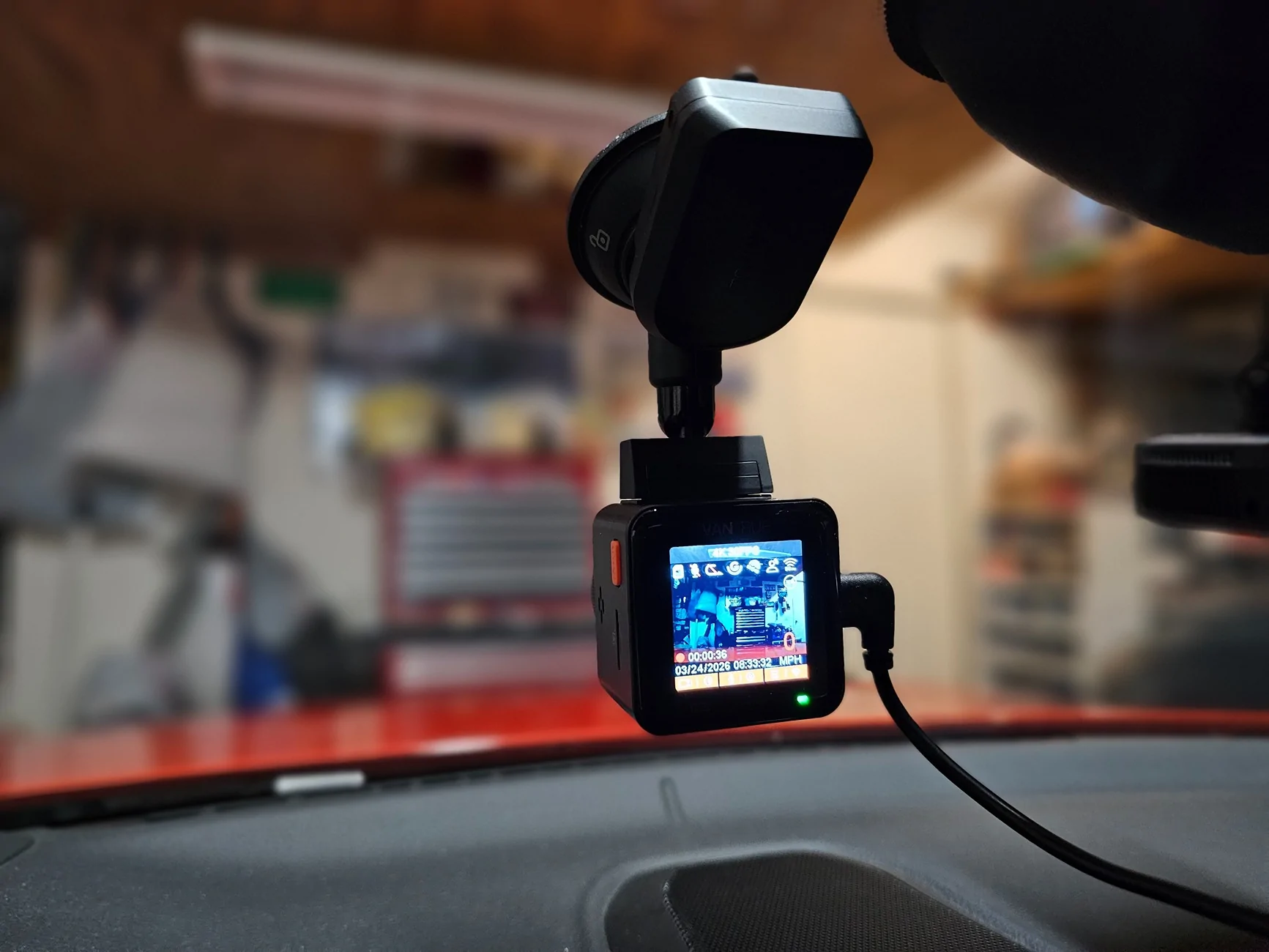
The camera kit came with two ways to mount - antistatic sheet (2) and a camera mount with 3M tape on it or a suction cup. Since I will swap the camera between a few cars, this is the better option. Behind the rear-view mirror is a preferable mounting position. Of course, the windshield glass should be clean. The cigarette lighter plug cable is long enough to route it under the pillar and other panels if neatness is very important. The camera's default settings include starting the video recording upon startup. Stopping and starting the video is done with a button underneath the camera. You can setup the camera to record segments of 1-3 minutes and loop-record to video over older videos.
Video quality tests:
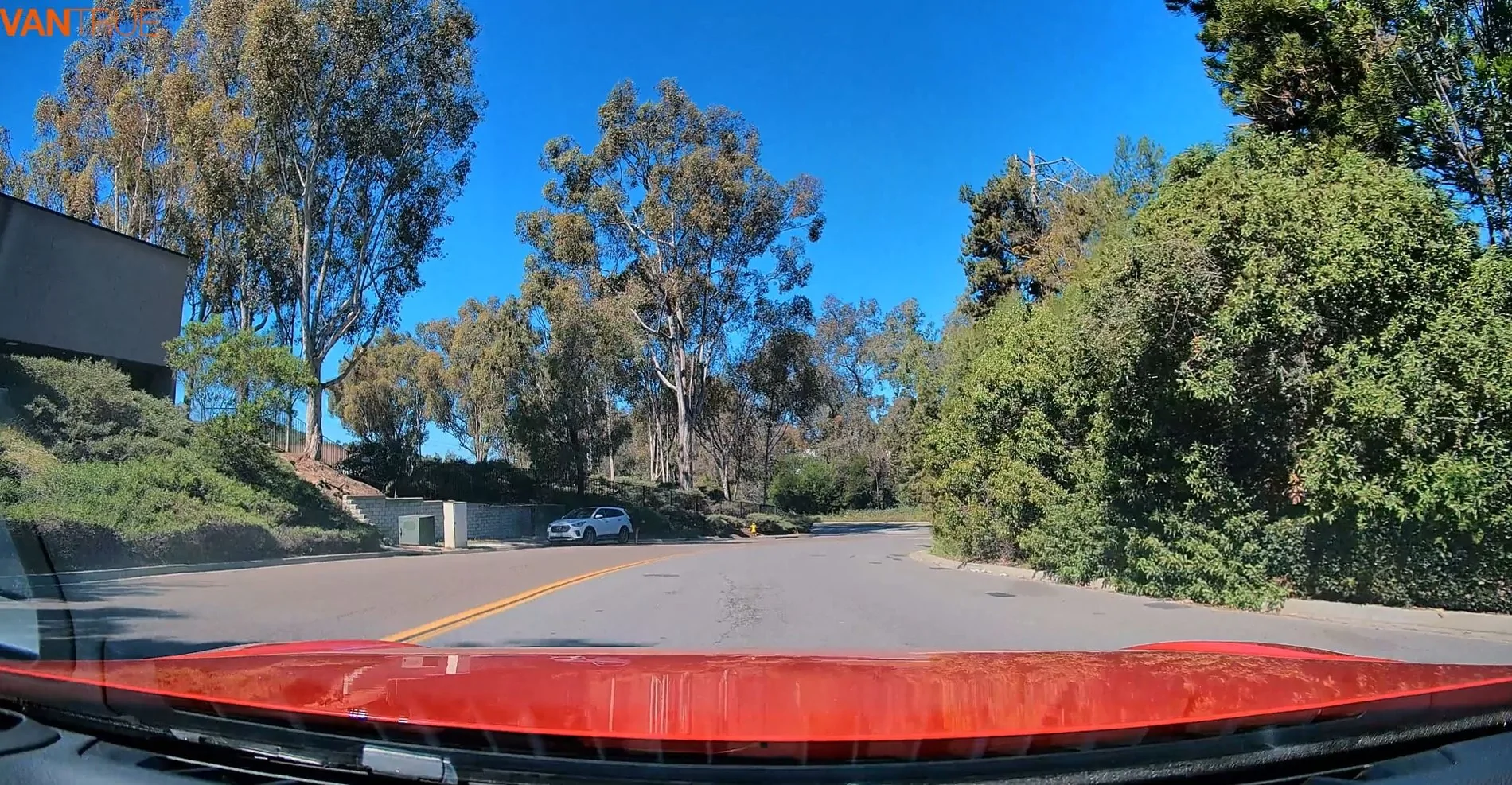
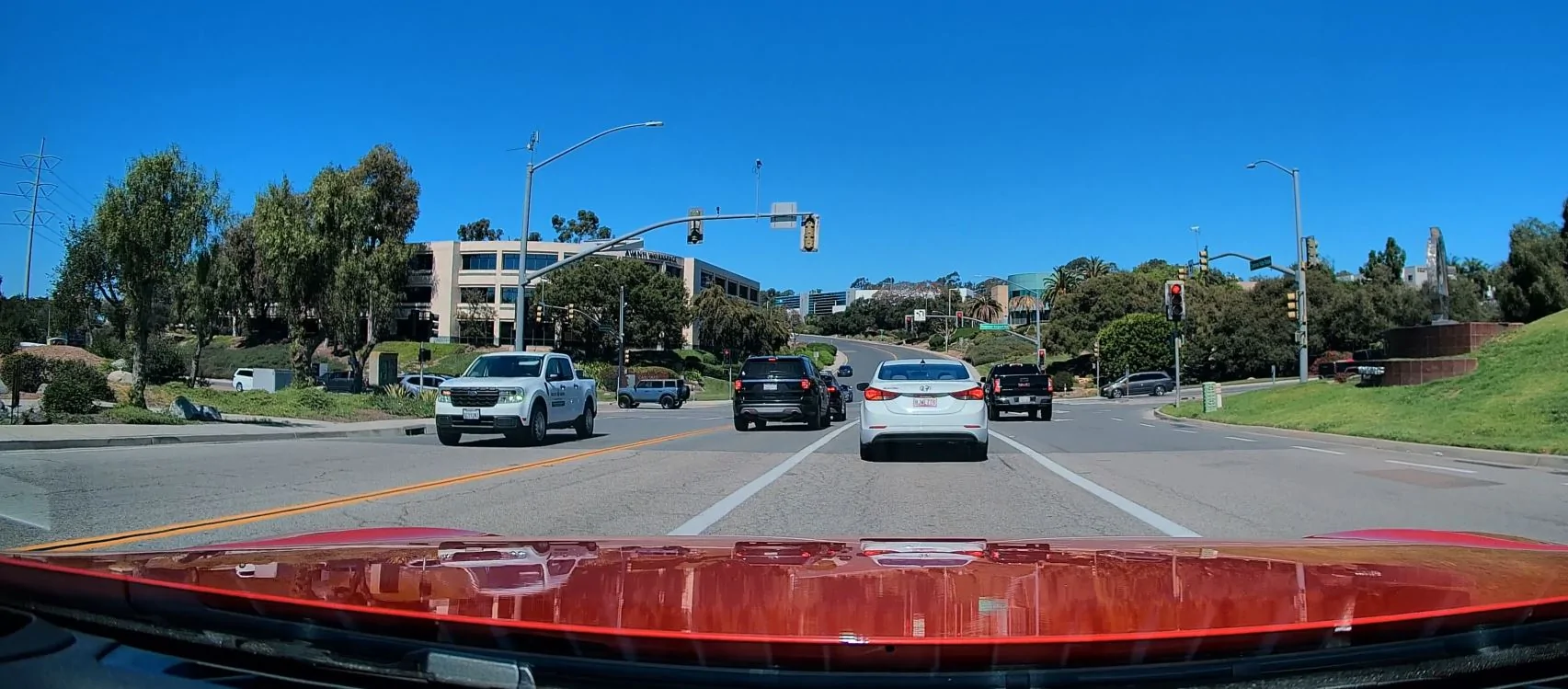
Day: Road signs and license plates are very clearly readable in 4K. Scenery is also very clear. Higher driving speeds will diminish that a bit. Always use the CDL filter for driving under sunny skies.
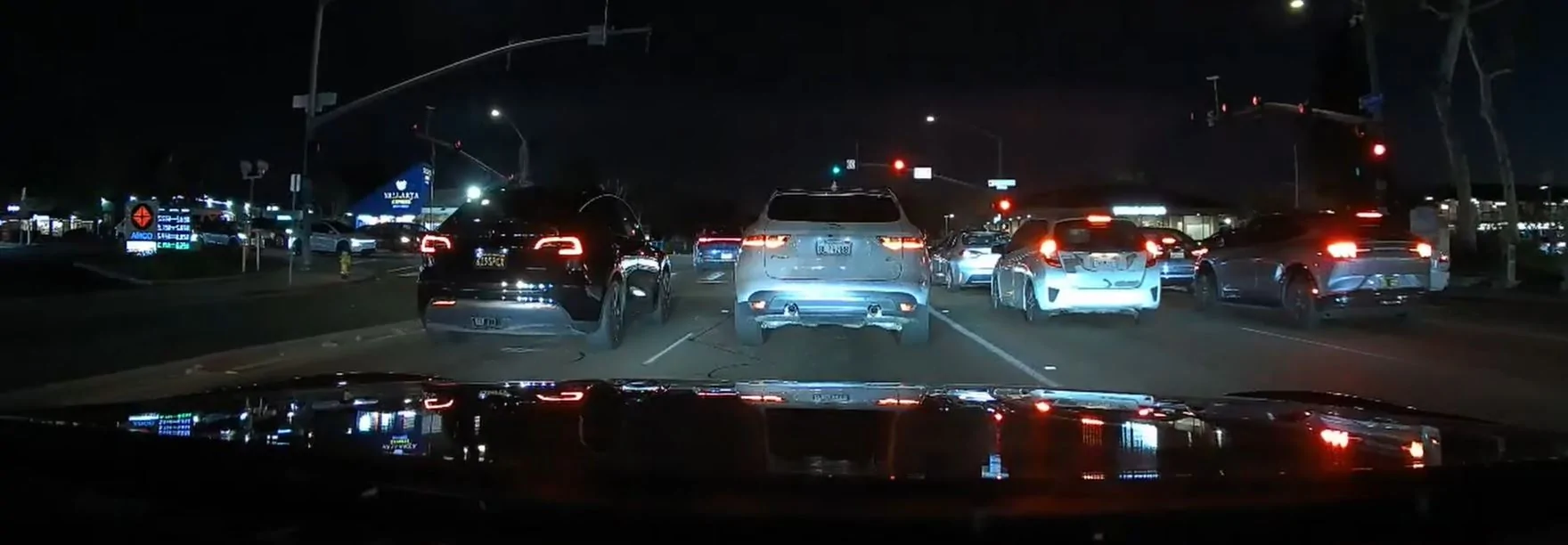
Night: Change the exposure to -0.3 EV from the default daylight setting of 0.0. Change the resolution to 1280 x 720 at 60 fps from the 4K default setting.
The quality, as you'll see in the video is very good. I don't typically drive my cars at night, but withing to night driving takes only a few minutes to reconfigure.
Motion:
Stability over bumps is excellent, as is general clarity during acceleration and braking.
App & Connectivity:
I didn't use the app, although if you frequently switch settings, you may want to use it. All of my editing is done on my desktop computer's editing program. Keep in mind that rendering in some free programs is limited to resolutions below 4K. My video was rendered to 4K.
Feature testing:
I did not test:
Parking mode (motion/impact)
G-sensor sensitivity
GPS accuracy
Audio recording clarity
Voice control
Heat tolerance:
As shown in the video, after a 20-30 minute drive on a warm, sunny day (about 80 degrees F), the black case temperature was measured at just over 100 degrees - hot to the touch but not hot enough to burn your skin. A white version, if available would keep the case temps down.
Current evaluation:
I think this is a great single camera that produces very nice videos at a great price.
Here's the video link:


Pre-install:
Everything you need is included for the camera, except for a micro SD card and SD adapter. Both come together in capacities of up to 512 GB (1 terabyte is forthcoming) My 256 GB kit was about $80. The camera itself is $150.
Because my Supra has its USB port filled with a music playlist USB, I chose to use the 12V receptacle, but because I am using that with my radar detector, I bought a 2 into 1 adapter with separate on-off buttons and a digital readout of battery voltage. You'll see that in the video. The kit also includes a screw-0n CPL light filter. Some instruction for setting it up to minimize glare is in the video. The Owner's manual is very thorough.
Mounting:
The camera kit came with two ways to mount - antistatic sheet (2) and a camera mount with 3M tape on it or a suction cup. Since I will swap the camera between a few cars, this is the better option. Behind the rear-view mirror is a preferable mounting position. Of course, the windshield glass should be clean. The cigarette lighter plug cable is long enough to route it under the pillar and other panels if neatness is very important. The camera's default settings include starting the video recording upon startup. Stopping and starting the video is done with a button underneath the camera. You can setup the camera to record segments of 1-3 minutes and loop-record to video over older videos.
Video quality tests:
Day: Road signs and license plates are very clearly readable in 4K. Scenery is also very clear. Higher driving speeds will diminish that a bit. Always use the CDL filter for driving under sunny skies.
Night: Change the exposure to -0.3 EV from the default daylight setting of 0.0. Change the resolution to 1280 x 720 at 60 fps from the 4K default setting.
The quality, as you'll see in the video is very good. I don't typically drive my cars at night, but withing to night driving takes only a few minutes to reconfigure.
Motion:
Stability over bumps is excellent, as is general clarity during acceleration and braking.
App & Connectivity:
I didn't use the app, although if you frequently switch settings, you may want to use it. All of my editing is done on my desktop computer's editing program. Keep in mind that rendering in some free programs is limited to resolutions below 4K. My video was rendered to 4K.
Feature testing:
I did not test:
Parking mode (motion/impact)
G-sensor sensitivity
GPS accuracy
Audio recording clarity
Voice control
Heat tolerance:
As shown in the video, after a 20-30 minute drive on a warm, sunny day (about 80 degrees F), the black case temperature was measured at just over 100 degrees - hot to the touch but not hot enough to burn your skin. A white version, if available would keep the case temps down.
Current evaluation:
I think this is a great single camera that produces very nice videos at a great price.
Here's the video link:
Sponsored
Last edited:


