tanabersx
Well-Known Member
- First Name
- Miguel
- Joined
- Aug 6, 2022
- Threads
- 16
- Messages
- 95
- Reaction score
- 54
- Location
- Puerto Rico
- Car(s)
- A90 Supra, RAM Rebel 2021, 2018 BMW X5 e-Drive
- Thread starter
- #1
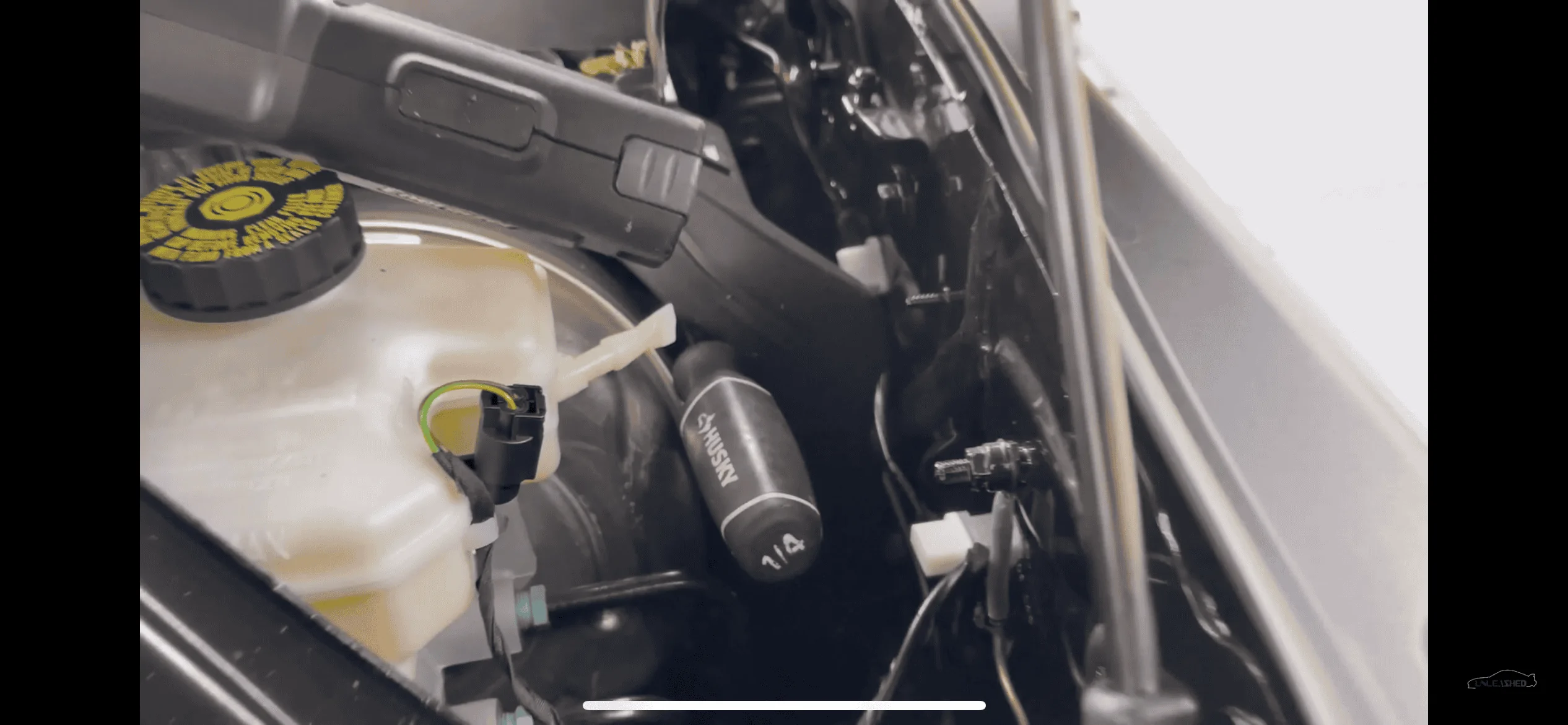
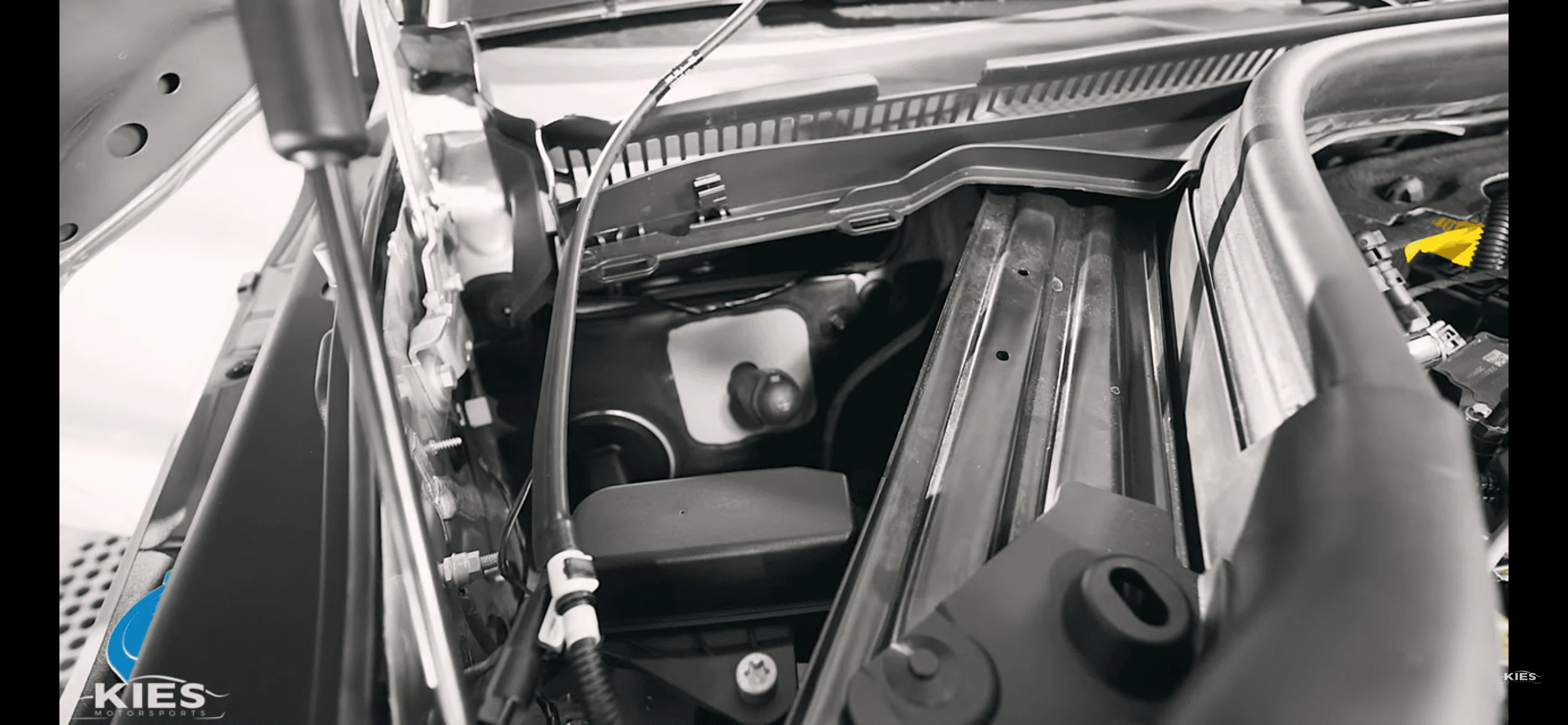
Today I finally got to install my P3 V3 Gauge with the fuel it sensor. My plan was to figure out how to get the fuel-it sensor to display on the P3 Gauge. So I purchased the Ethanol sensor voltage adapter from P3(could not get it to work correctly). After some trouble shooting I was getting crazy readings on ethanol and fuel temp. decided to eliminate the ethanol adapter and connect the output from the fuel it(white wire) directly to analog input 1 on the P3, configured the analog input 1 to read ethanol content and everything ended up working like a charm. You have to run the wire thru the firewall on the driver side in order to get from the Fuel it senor to the P3. You don't get fuel temp readings but definitely you will be
able to read ethanol on the P3. Will post some pics later. Very happy with the gauge and being able to integrate an ethanol content sensor on the gauge. Now I can read EC on the app and on the P3 gauge.
Summary:

The fuel it sensor is also reading E1 on the app as I’m running 93 pump.
able to read ethanol on the P3. Will post some pics later. Very happy with the gauge and being able to integrate an ethanol content sensor on the gauge. Now I can read EC on the app and on the P3 gauge.
Summary:
- Connect output(white wire from fuel-it sensor) to analog input 1 on the P3 Gauge
- On the P3 config menu, set analog input 1 to ethanol content.
- Enjoy your ethanol content reading!
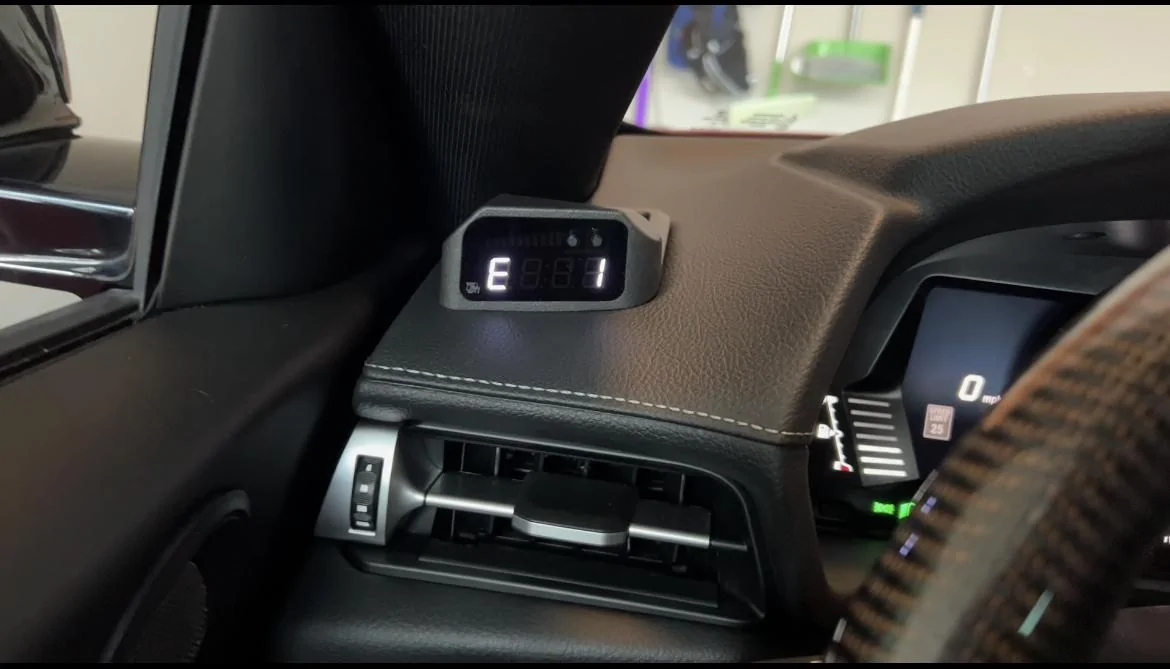
The fuel it sensor is also reading E1 on the app as I’m running 93 pump.
Sponsored
Last edited:
 ? I do see on the left side a grommet that there's something behind it that maybe can be poked through.. I don't want to poke/cut arbitrarily though..