
Mayday
Well-Known Member
- First Name
- Nayef
- Joined
- Feb 17, 2023
- Threads
- 10
- Messages
- 223
- Reaction score
- 273
- Location
- Qatar
- Website
- www.instagram.com
- Car(s)
- A91-MT
- Thread starter
- #1
Hi everyone,
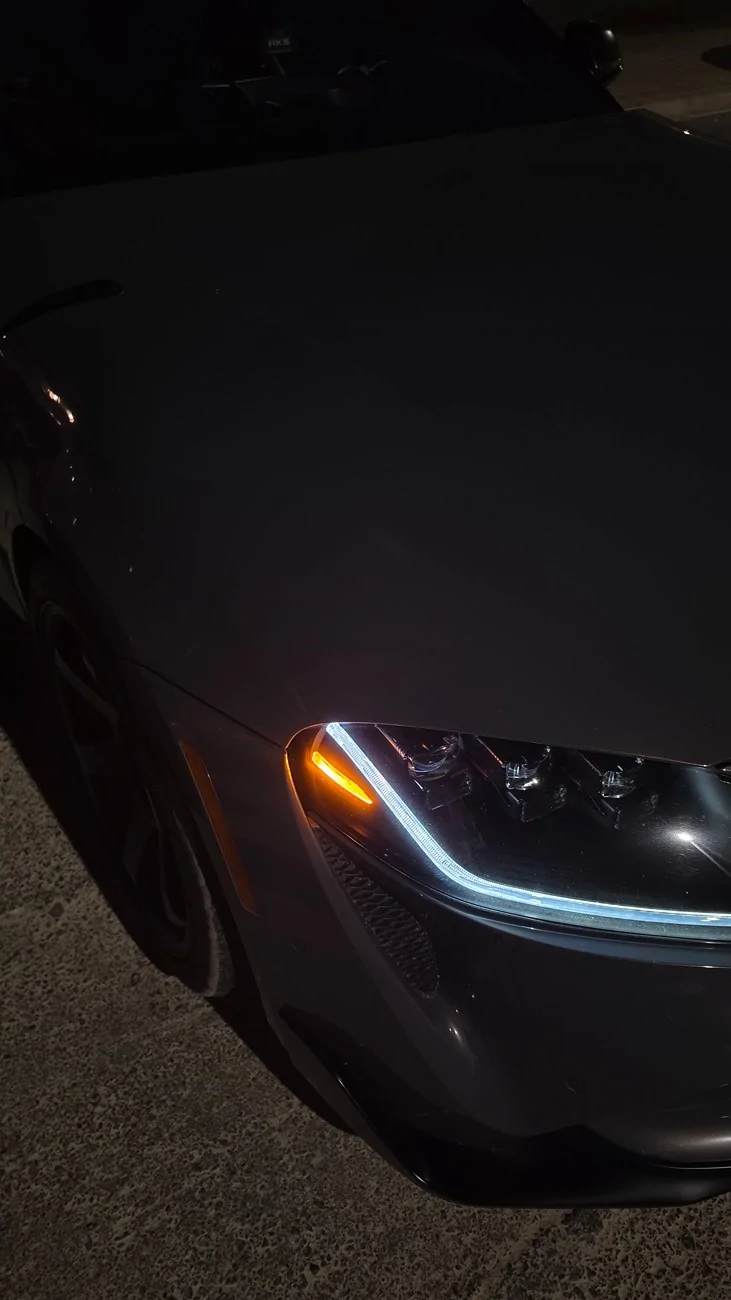
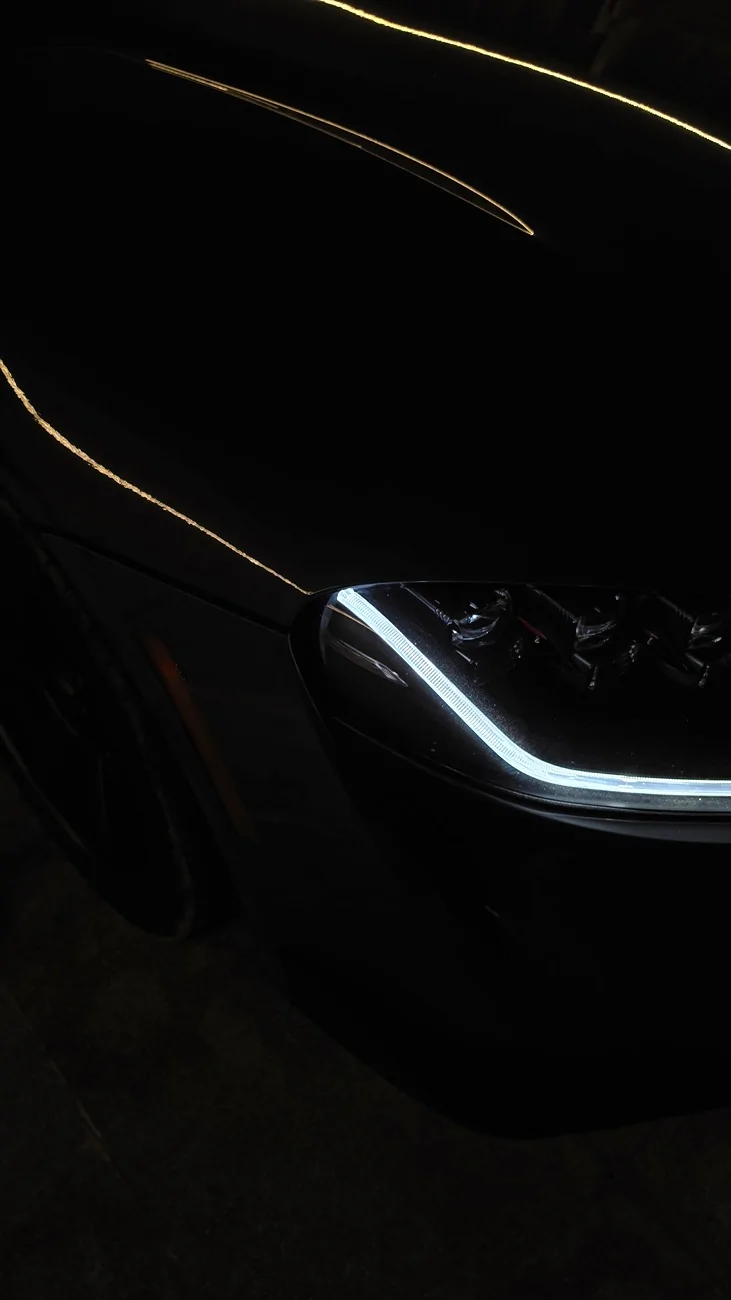
I wanted to share a BimmerCode method that worked for me to disable the US amber side marker.
Before figuring this out, I searched online—including the SupraMKV forum—but couldn't find a complete BimmerCode solution. I came across a few threads where people were asking how to do it, but I wasn't able to find a working answer. After some trial and error, I finally got it working, so I thought I'd share the steps in case it helps someone else.
This was tested on my 2023 Toyota GR Supra 3.0 MT
Requirements:
● BimmerCode
● Supported OBD adapter
Instructions
1. Open BimmerCode.
2. Select BMW Z4 (G29).
3. Open FLML (Front Light Module Left).
4. Enter Expert Mode.
5. In the Search bar type duty.
6. Change the following parameters to wert_01
LM03_DUTY_CYCLE_BINNING_CLASS0
LM03_DUTY_CYCLE_BINNING_CLASS1
LM03_DUTY_CYCLE_BINNING_CLASS2
LM03_DUTY_CYCLE_BINNING_CLASS3
LM03_DUTY_CYCLE_BINNING_CLASS4
7. Code FLML.
8. Repeat the exact same steps in FLMR (Front Light Module Right) and code it.
IMPORTANT
● Tested on my 2023 Toyota GR Supra 3.0 MT.
● I haven't verified compatibility with other model years or software versions.
● Always back up your coding before making any changes.

I wanted to share a BimmerCode method that worked for me to disable the US amber side marker.
Before figuring this out, I searched online—including the SupraMKV forum—but couldn't find a complete BimmerCode solution. I came across a few threads where people were asking how to do it, but I wasn't able to find a working answer. After some trial and error, I finally got it working, so I thought I'd share the steps in case it helps someone else.
This was tested on my 2023 Toyota GR Supra 3.0 MT
Requirements:
● BimmerCode
● Supported OBD adapter
Instructions
1. Open BimmerCode.
2. Select BMW Z4 (G29).
3. Open FLML (Front Light Module Left).
4. Enter Expert Mode.
5. In the Search bar type duty.
6. Change the following parameters to wert_01
LM03_DUTY_CYCLE_BINNING_CLASS0
LM03_DUTY_CYCLE_BINNING_CLASS1
LM03_DUTY_CYCLE_BINNING_CLASS2
LM03_DUTY_CYCLE_BINNING_CLASS3
LM03_DUTY_CYCLE_BINNING_CLASS4
7. Code FLML.
8. Repeat the exact same steps in FLMR (Front Light Module Right) and code it.
IMPORTANT
● Tested on my 2023 Toyota GR Supra 3.0 MT.
● I haven't verified compatibility with other model years or software versions.
● Always back up your coding before making any changes.
Sponsored


 I was hoping this coding would work on the newer models too. Hopefully someone finds a workaround for the 2026 cars soon.