curry_boost
New Member
- Thread starter
- #1
I've been having an issue where I cannot seem to use Bimmercode to code the Headunit anymore post installing full screen carplay.
I installed full screen carplay from https://easybimmercoding.com/produc...arplay-fullscreen?_pos=1&_sid=2d0ffa624&_ss=r
who have stated that bimmercode should work post installation.
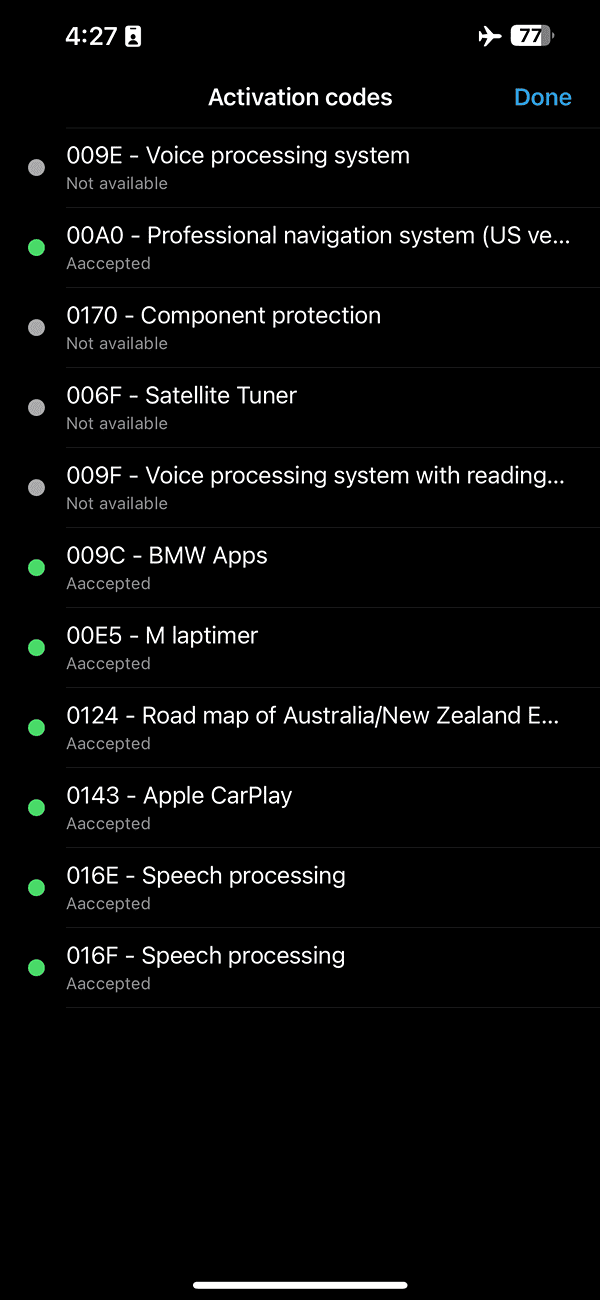
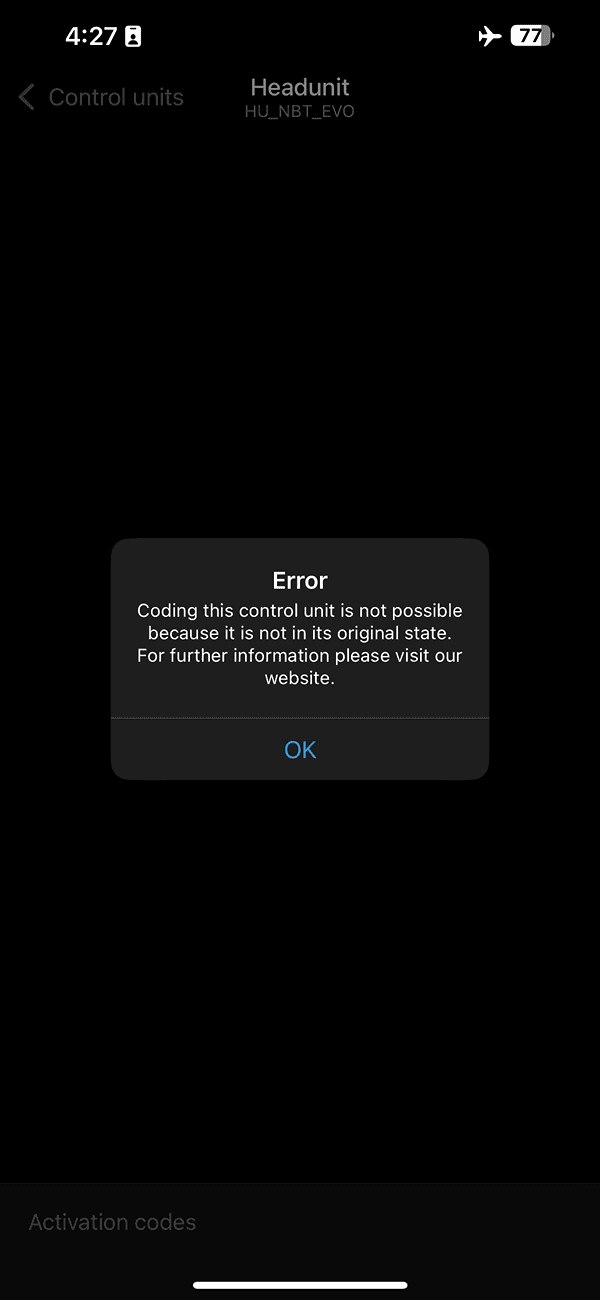
I get the following errors and missing activation codes possibly when trying to connect to the head unit. (see images)
I have tried deleting the bimmercode backup files so as to 'reset' bimmercode but that does not help.
Bimmercode and the OBD CX adapter I user are on the latest version.
Is the only option to restore the haedunit to the original state and then try coding ?
Or does anyone know a way of coding the headunit through esys and able to share the parameters ?

I installed full screen carplay from https://easybimmercoding.com/produc...arplay-fullscreen?_pos=1&_sid=2d0ffa624&_ss=r
who have stated that bimmercode should work post installation.
I get the following errors and missing activation codes possibly when trying to connect to the head unit. (see images)
I have tried deleting the bimmercode backup files so as to 'reset' bimmercode but that does not help.
Bimmercode and the OBD CX adapter I user are on the latest version.
Is the only option to restore the haedunit to the original state and then try coding ?
Or does anyone know a way of coding the headunit through esys and able to share the parameters ?
Sponsored