a90.faz
Well-Known Member
- Thread starter
- #1
A week ago I posted about having obtained SSH access on the Supra's Headunit. This is a guide explaning how i did it.
There is no "hacking" here, only application of a method that people have been doing on F chassis BMWs and with iDrive 4-6 for a long time. I only applied that method to the Supra and surprisingly, it worked.
Here is how to do it:
WARNINGS:
Couple notes:
You now have SSH access to the headunit. I will be combing through the file system and trying to find things that we can change in here. My original goal was to change the default black Supra icons to match my build. Car is currently at the shop (getting Adro parts installed haha), so ming take a bit before i can though. I will also be posting a filesystem dump if im able to download all the files.
Otherwise, this is uncharted territory for the Supra. Let me know if you have any questions. Would love to see where this goes. Have fun exploring!
There is no "hacking" here, only application of a method that people have been doing on F chassis BMWs and with iDrive 4-6 for a long time. I only applied that method to the Supra and surprisingly, it worked.
Here is how to do it:
WARNINGS:
- Risk of bricking your headunit is real.
- The software/downloads used here are shady. Although nothing happened to me, use these at your own risk.
- You should have basic technical knowlage about Unix filesystem and the command line to make use of this. DO NOT RUN ANY COMMANDS YOU DONT KNOW. YOU CAN AND WILL END UP BRICKING YOUR HEADUNIT.
- Make sure to back up your file system if you intend to muck around in there. If you delete/replace files, there is no "undo".
- Windows Laptop
- OBD-Ethernet ENeT cable
- (Optional) Ethernet to USB adapter if your laptop does not have an ethernet port
- Internet connection on laptop
- Dowload SSH Client, i will use PuTTY (https://www.putty.org/)
- Download "Feature Installer" software (https://bimmerportal.net/p/FEATURE INSTALLER)
- Buy a key to activate SSH (https://www.flashxcode.com/product/feature-installer-code/)
- Message the guy on whatsapp via the button on the website as the dropdown doesnt contain the ID version of of the supra.
- Provide the guy with your headunit software version. Can be found in Navigation > Settings > Position and software version > software version. Mine is NBTEvo_T
- Provide the guy with your VIN number
- Make payment of €25 to the guys paypal.
- He will send you a 10 digit key in the format XXXXX-XXXXX
- Hook up the OBD-Ethernet cable to car and your laptop.
- Make sure your laptop is connected to WiFi or Mobile Data (need internet access)
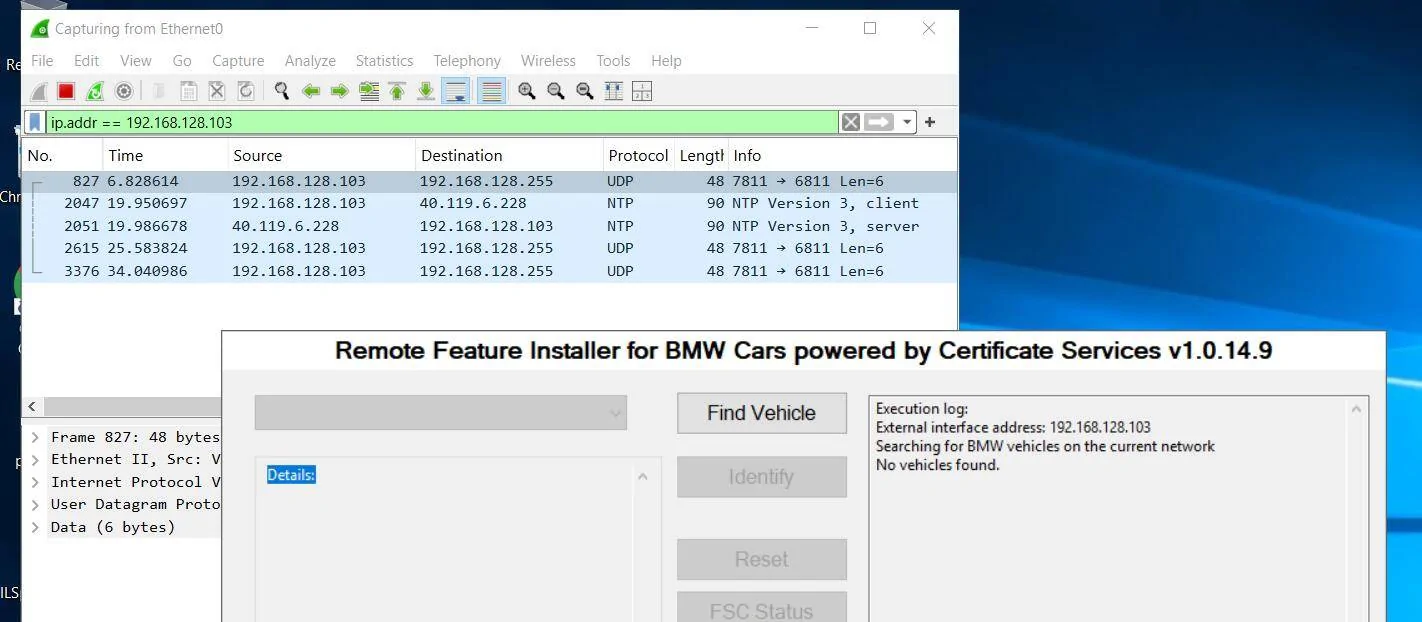
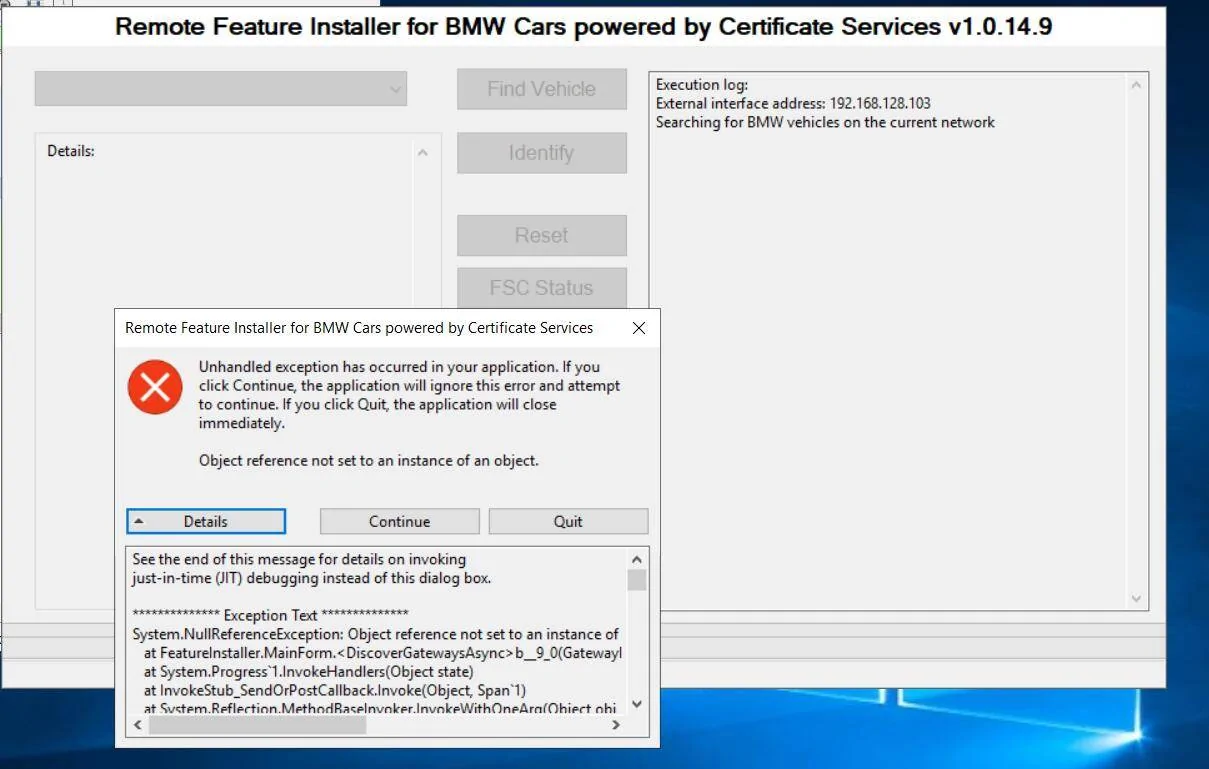
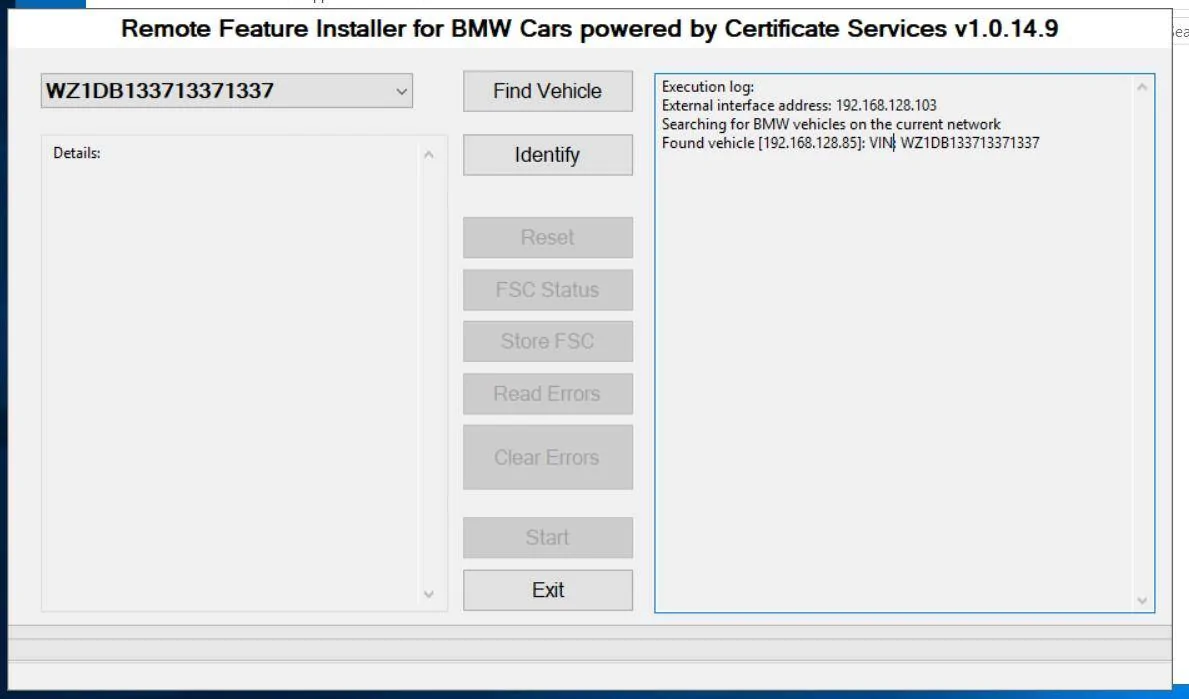
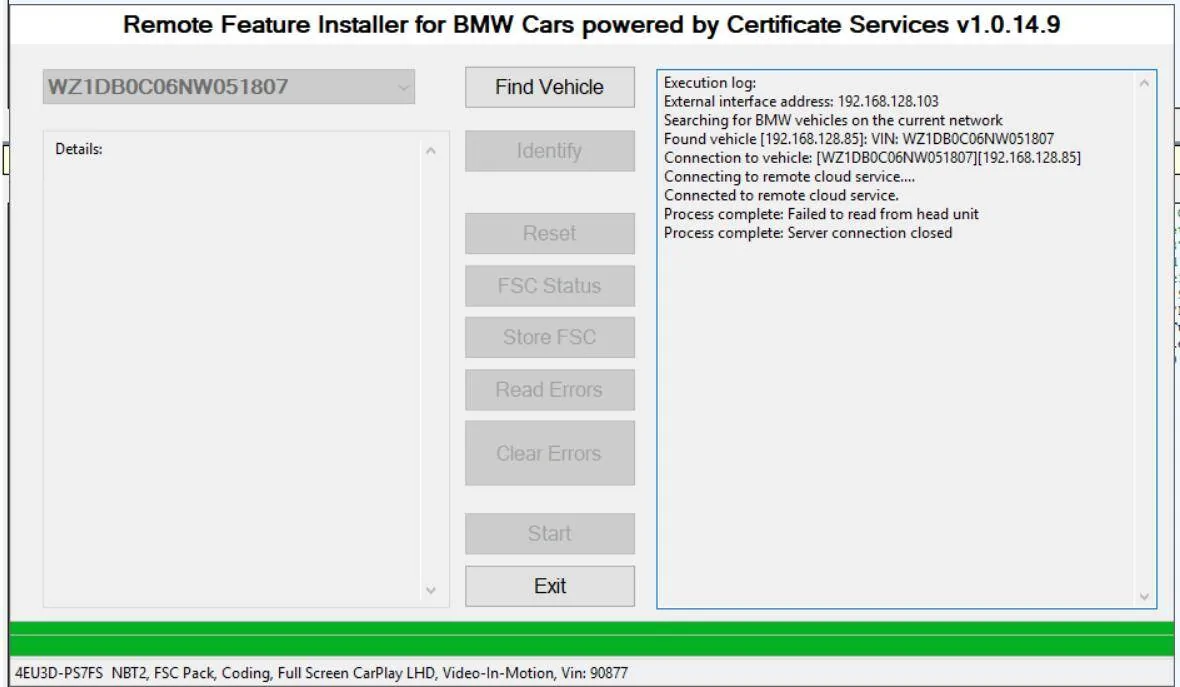
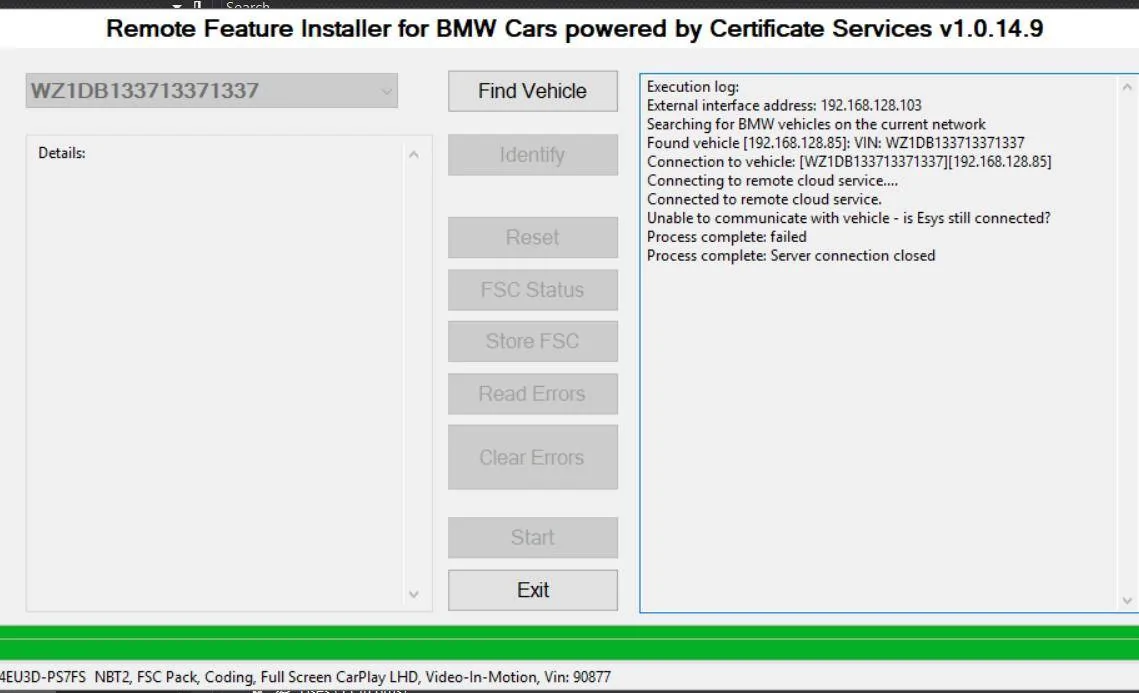
- Boot up Feature installer. If it sees your car, you will see your VIN displayed in the log.
- Hit "Identify" and enter your key.
- Let it do its thing
- Once "Start" is available, hit "Start"
- Let it do its thing
- Once compleated, you will see "...success..." in the log. Congrats, your SSH port is not open to the world. You can close Feature Installer.
- Open up PuTTy and enter the following IP and port
- IP: 169.254.199.99
- Port: 22
- Connection type: SSH Telnet
- If everything went well, a termainl will open asking the following.
- login as: root
- password: ts&SK412
- Dont worry, the password is same for all cars
- You should be in! Type in the command ls and hit enter to confirm that you can run commands. You sould see the names of the folders in the current working directory.
- You can hit ctrl+D to close the connection at any time.
- IP: 169.254.199.99
- Port: 22
- Connection type: SSH Telnet
- User: root
- Password: ts&SK412
Couple notes:
- Once the port is open, you can use a WiFi OBD ENeT adapter like the BM3 one to access the car. Otherwise, you can also use the physical cable if you want to be safe
- To close the SSH port, you will need the ISTA software. It will throw an error in ISTA if the port is open.
- The port should stay open even after turning the car on and off, no need to do the Feature Install steps again.
- Is this a security risk? Yes, if you attend Defcon with the Supra, most likely not otherwise.
You now have SSH access to the headunit. I will be combing through the file system and trying to find things that we can change in here. My original goal was to change the default black Supra icons to match my build. Car is currently at the shop (getting Adro parts installed haha), so ming take a bit before i can though. I will also be posting a filesystem dump if im able to download all the files.
Otherwise, this is uncharted territory for the Supra. Let me know if you have any questions. Would love to see where this goes. Have fun exploring!
Sponsored
Last edited:



 great work op